
Python Pandas Projects with Data Analysis & Visualization (CSV & Database) – Download
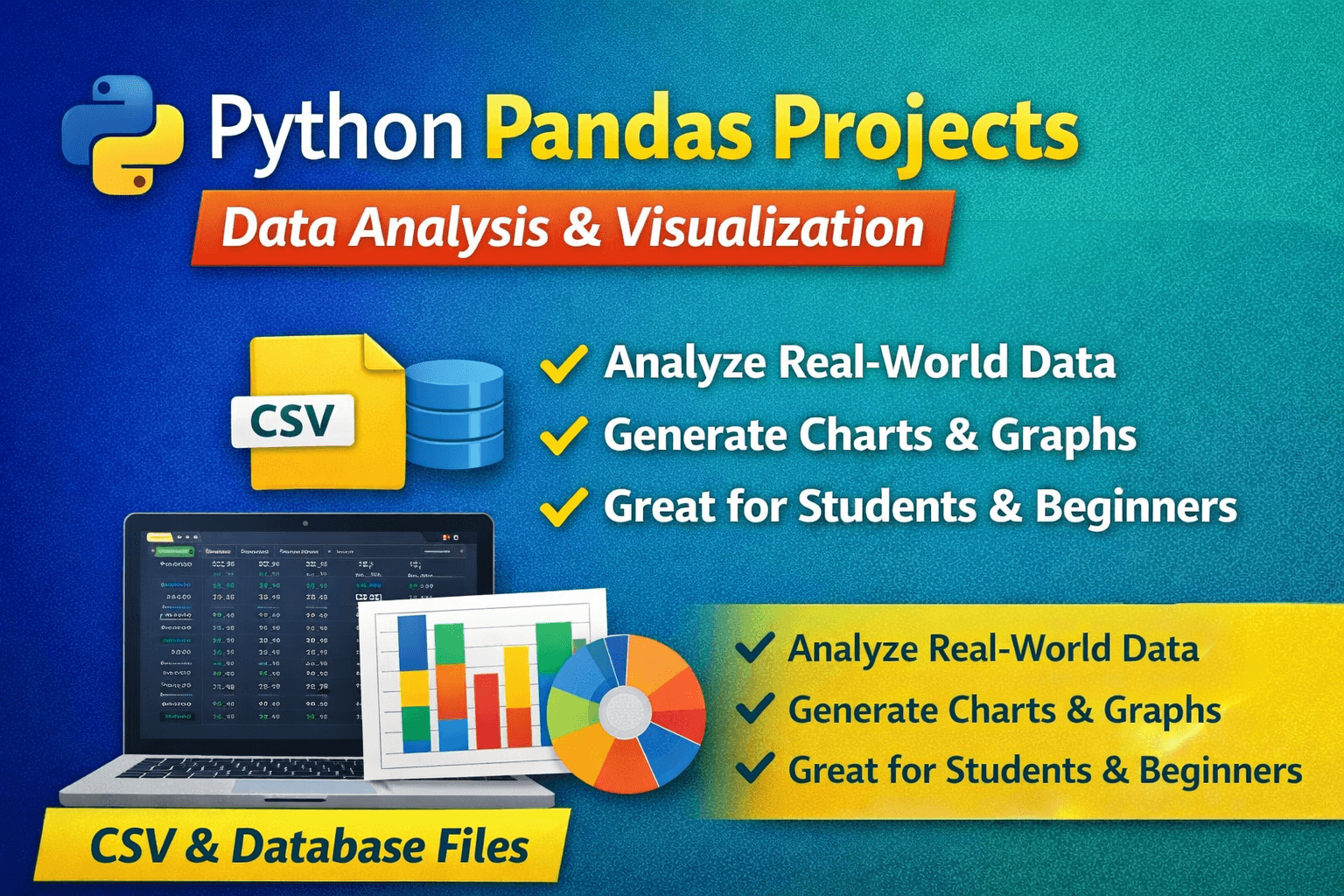
Python has become one of the most popular languages for data analysis and visualization. Using CSV files or database files along with the Pandas library, learners can easily analyze real-world data and generate meaningful insights through charts and graphs.
On this page, you’ll find a curated list of Python Pandas projects where data is stored in CSV or database files, analyzed using Pandas, and visualized using libraries like Matplotlib and Seaborn. These projects are ideal for practice, practical exams, mini projects, and learning data analysis concepts.
✅ Why Python Pandas Projects?
Working on Pandas-based projects helps you:
- Read and write CSV and database files
- Clean and process real-world data
- Perform data analysis using Pandas
- Use grouping, filtering, and aggregation
- Generate charts and graphs for visualization
- Understand data-driven decision making
📌 Python Pandas Project List (CSV / Database + Charts)
🔹 1. Student Performance Analysis System
Description:
Analyzes student marks stored in a CSV or database file to evaluate academic performance.
Key Features:
- Read student data from CSV / database
- Calculate total, average, and grade
- Identify top and weak performers
- Bar chart and pie chart visualization
🔹 2. Sales Data Analysis & Visualization
Description:
Analyzes sales records to identify trends and performance.
Key Features:
- Load sales data using Pandas
- Monthly and product-wise sales analysis
- Profit calculation
- Line chart and bar graph visualization
🔹 3. Attendance Data Analysis System
Description:
Analyzes attendance records to generate monthly and yearly reports.
Key Features:
- Attendance data stored in CSV
- Calculate attendance percentage
- Identify defaulters
- Bar chart for attendance summary
🔹 4. Library Usage Analysis Project
Description:
Analyzes book issue and return data from a library system.
Key Features:
- Load issue records from CSV / database
- Most issued books analysis
- Student-wise usage analysis
- Pie chart and bar chart output
🔹 5. Employee Salary Data Analysis
Description:
Analyzes employee salary records to understand salary distribution.
Key Features:
- Read employee data using Pandas
- Department-wise salary analysis
- Average and highest salary calculation
- Histogram and bar chart visualization
🔹 6. Inventory & Stock Analysis System
Description:
Analyzes inventory data to track stock availability.
Key Features:
- CSV-based product stock data
- Identify low-stock products
- Category-wise stock analysis
- Bar chart for inventory visualization
🔹 7. COVID / Health Data Analysis Project
Description:
Analyzes health-related data to observe trends and patterns.
Key Features:
- Load large datasets using Pandas
- State-wise / date-wise analysis
- Growth trend analysis
- Line charts and area plots
🔹 8. Weather Data Analysis & Visualization
Description:
Analyzes weather records to identify climate patterns.
Key Features:
- Temperature and rainfall analysis
- Seasonal trend detection
- CSV-based dataset
- Line graph and scatter plot visualization
🔹 9. Customer Purchase Behavior Analysis
Description:
Analyzes customer purchase data to understand buying behavior.
Key Features:
- Customer-wise spending analysis
- Product popularity analysis
- CSV / database-driven data
- Pie chart and bar chart reports
🔹 10. Banking Transaction Data Analysis
Description:
Analyzes banking transaction records to study income and expenses.
Key Features:
- Load transaction data using Pandas
- Monthly debit-credit analysis
- Balance trend visualization
- Line and bar charts
🔹 11. Exam Result Trend Analysis
Description:
Analyzes exam results over multiple years to identify performance trends.
Key Features:
- Read multi-year result data from CSV
- Year-wise average and pass percentage
- Subject-wise performance comparison
- Line chart and bar graph visualization
🔹 12. E-Commerce Order Data Analysis
Description:
Analyzes online shopping order data to understand sales behavior.
Key Features:
- Order data stored in CSV or database
- Daily and monthly order analysis
- Revenue and order count visualization
- Line and bar charts
🔹 13. Social Media Engagement Analysis
Description:
Analyzes engagement data from social media platforms.
Key Features:
- Likes, comments, and shares analysis
- Post-wise engagement comparison
- CSV-based dataset
- Bar chart and scatter plot visualization
🔹 14. Electricity Consumption Analysis
Description:
Analyzes electricity usage data for homes or organizations.
Key Features:
- Monthly consumption analysis
- Peak usage identification
- CSV-based energy data
- Line graph visualization
🔹 15. Transport / Traffic Data Analysis
Description:
Analyzes traffic or transport usage data.
Key Features:
- Vehicle count analysis by date/time
- Peak hour identification
- Bar chart and line graph output
🔹 16. Agriculture Crop Yield Analysis
Description:
Analyzes crop production data to study yield patterns.
Key Features:
- Crop-wise and year-wise analysis
- CSV / database-driven data
- Trend and comparison charts
- Bar and line graphs
🔹 17. Online Learning Platform Usage Analysis
Description:
Analyzes student activity on e-learning platforms.
Key Features:
- Login and course completion data
- Active vs inactive user analysis
- Visualization using charts
🔹 18. Tourism & Travel Data Analysis
Description:
Analyzes tourism data to identify travel trends.
Key Features:
- Month-wise tourist count analysis
- Location-based comparison
- Pie chart and line graph visualization
🔹 19. Movie Ratings & Review Analysis
Description:
Analyzes movie ratings and reviews dataset.
Key Features:
- Average rating calculation
- Genre-wise rating comparison
- Histogram and bar chart visualization
🔹 20. Pollution / Air Quality Index (AQI) Analysis
Description:
Analyzes pollution data to study air quality trends.
Key Features:
- City-wise AQI analysis
- Seasonal pollution trend
- Line chart and bar graph output
📊 Charts & Visualization Used
Projects use the following visualization techniques:
✔ Bar Charts
✔ Line Graphs
✔ Pie Charts
✔ Histograms
✔ Scatter Plots
Libraries commonly used:
- Pandas
- Numpy
- Matplotlib
📂 Data Storage Used
Each project uses one or more of the following:
- CSV files
- MySQL database
🎯 Who Can Use These Projects?
These projects are suitable for:
- Python beginners
- Data analysis learners
- School and college students
- Practical and internal assessments
- Data science foundation practice
📥 Learn More Python & Data Analysis Projects
Explore more Python, Pandas, and Data Visualization projects here:
👉 https://www.mycstutorial.in
🔔 Final Words
Python Pandas projects provide a strong foundation in data analysis and visualization. Working on real datasets helps learners develop analytical thinking and prepares them for advanced fields like Data Science, AI, and Machine Learning.
📌 Bookmark this page for more Python data analysis projects and tutorials.